
HTML Basics: A Beginner’s Guide to Building Web Pages
Introduction Of HTML:
HTML (Hypertext Markup Language) is the standard markup language used for creating and structuring web pages. It is the backbone of every website and provides a set of predefined tags that define the structure and layout of the content on a web page. HTML uses a series of elements, such as headings, paragraphs, links, images, tables, forms, and more, to organize and display information.
HTML documents consist of a series of tags enclosed within angle brackets (< >), which define the structure and formatting of the content. These tags are interpreted by web browsers to render the web page accordingly. HTML also allows for the inclusion of other resources, such as CSS (Cascading Style Sheets) and JavaScript, to enhance the presentation and functionality of web pages.
A Simple HTML Document:
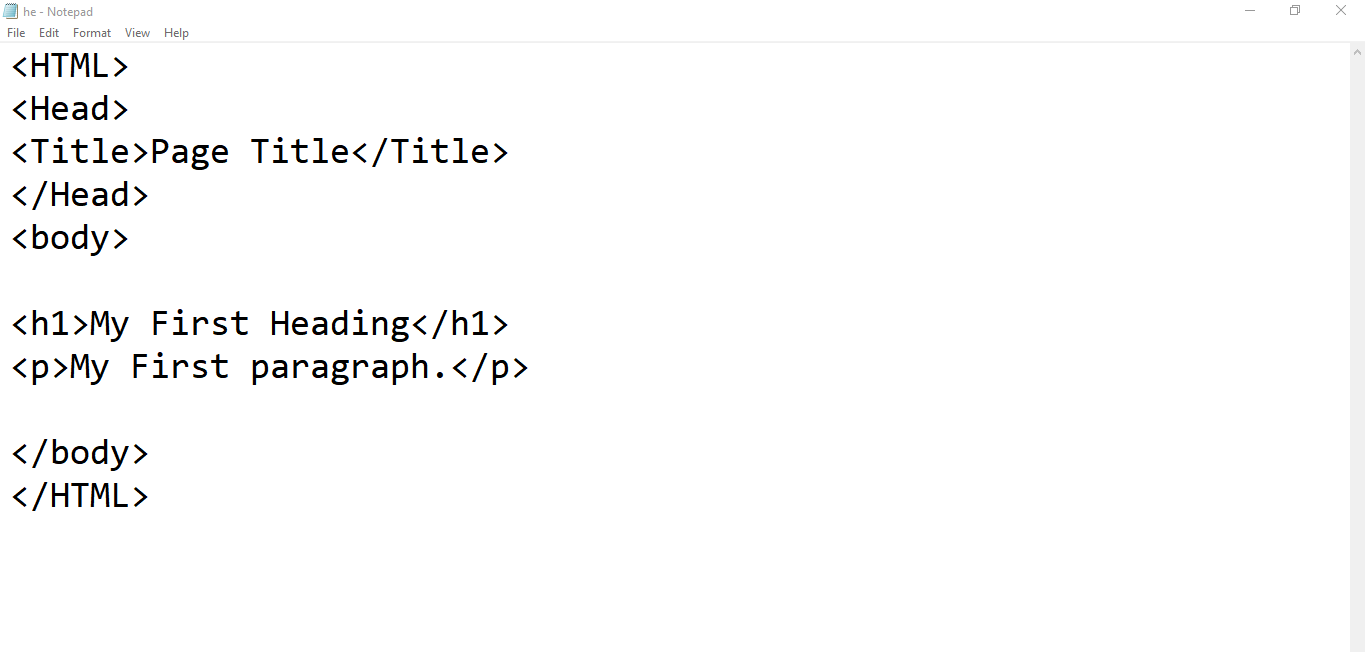
HTML TAGS EXPLAINED:
HTML HTML tags are the fundamental elements used in HTML markup to define the structure and formatting of content within a web page. HTML tags are enclosed within angle brackets (< >) and are composed of an opening tag, a closing tag, and sometimes attributes.
<html>: Represents the root element of an HTML document.
<head>: Contains meta-information about the HTML document, such as the title and link to external stylesheets or scripts.
<title>: Specifies the title of the web page, which appears in the browser’s title bar or tab.
<body>: Encloses the main content of the web page, including text, images, links, and other elements visible to the user.
<h1>, <h2>, <h3>, … <h6>: Headings of different levels, where <h1> represents the highest level of importance and <h6> represents the lowest.
<p>: Defines a paragraph of text.
<a>: Creates a hyperlink, allowing users to navigate to other web pages or specific parts within the same page.
<img>: Inserts an image into the web page.
<ul>: Represents an unordered list, where list items are defined using the <li> tag.
<ol>: Represents an ordered list, where list items are defined using the <li> tag and numbered automatically.
<b> : The <b> tag in HTML is used to define the text that should be displayed in bold. When the browser encounters the <b> tag, it applies the appropriate styling to make the text appear bold.
Here’s an example of how you can use the <b> tag in HTML:
HTML Code
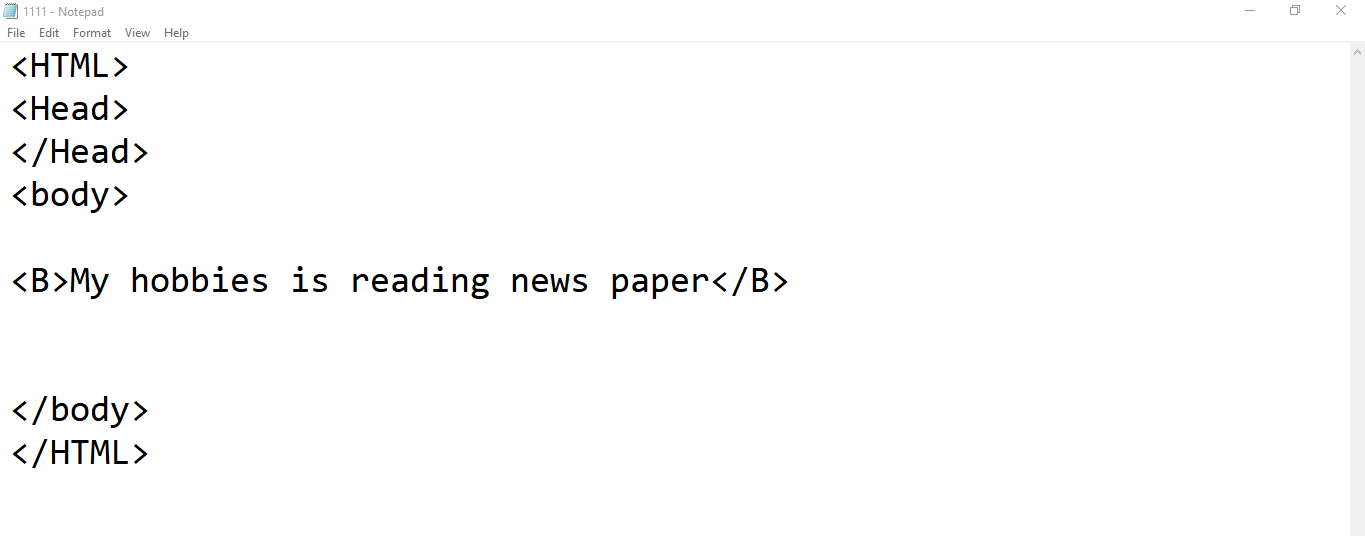
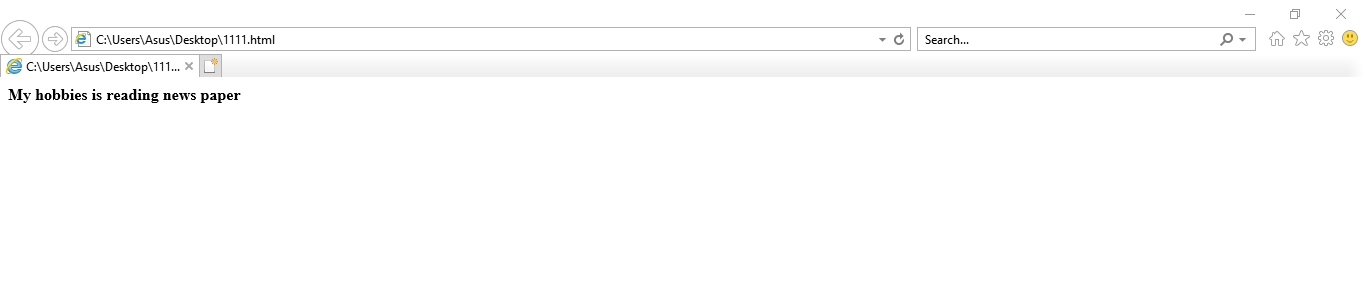
In this example, the word “bold” will be displayed in bold when rendered in a web browser. The rest of the text will be displayed normally.
OUTPUT:
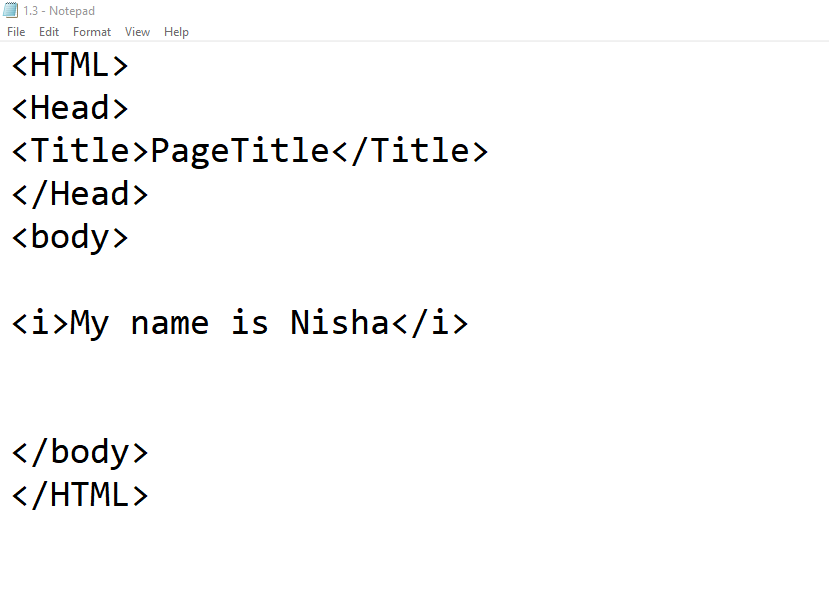
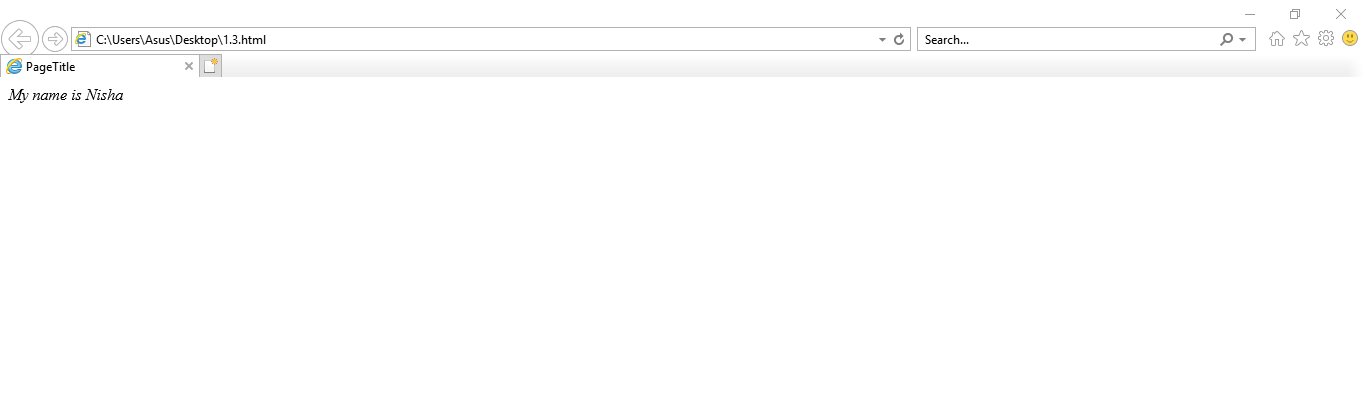
<i>:
The <i> tag in HTML is used to indicate text that is in an alternative voice or mood, typically represented as italicized text. It does not convey any semantic meaning but is primarily used for presentational purposes. Here’s an example of how the <i> tag can be used:
OUTPUT:
Summary:
HTML, which stands for HyperText Markup Language, is the standard markup language used for creating web pages and web applications. It provides a set of tags or elements that structure and define the content of a web page. Here’s a summary of HTML:
Structure: HTML provides a basic structure for web pages using tags such as <html>, <head>, and <body>. The <html> the tag represents the root of an HTML document, while the <head> the tag contains meta-information about the document and the <body> tag encloses the visible content.
Elements and Tags: HTML elements are represented by tags and define different parts of a web page. Examples include headings (<h1> to <h6>), paragraphs (<p>), links (<a>), images (<img>), lists (<ul>, <ol>, <li>), tables (<table>, <tr>, <td>), forms (<form>, <input>, <button>), and many more.
Attributes: HTML tags can have attributes that provide additional information or modify the behavior of the element. Attributes are placed inside the opening tag and typically consist of a name and a value. For example, the <a> the tag can have the href attribute to specify the target URL.
Text Formatting: HTML provides tags for text formatting, such as <strong> for strong emphasis, <em> for emphasis, <u> for underlined text, <s> for strikethrough, <b> for bold, <i> for italics, and more.
Semantic Elements: HTML introduced semantic elements like <header>, <nav>, <section>, <article>, <aside>, <footer>, and others. These elements convey the meaning and structure of the content, making it more accessible to users and search engines.